
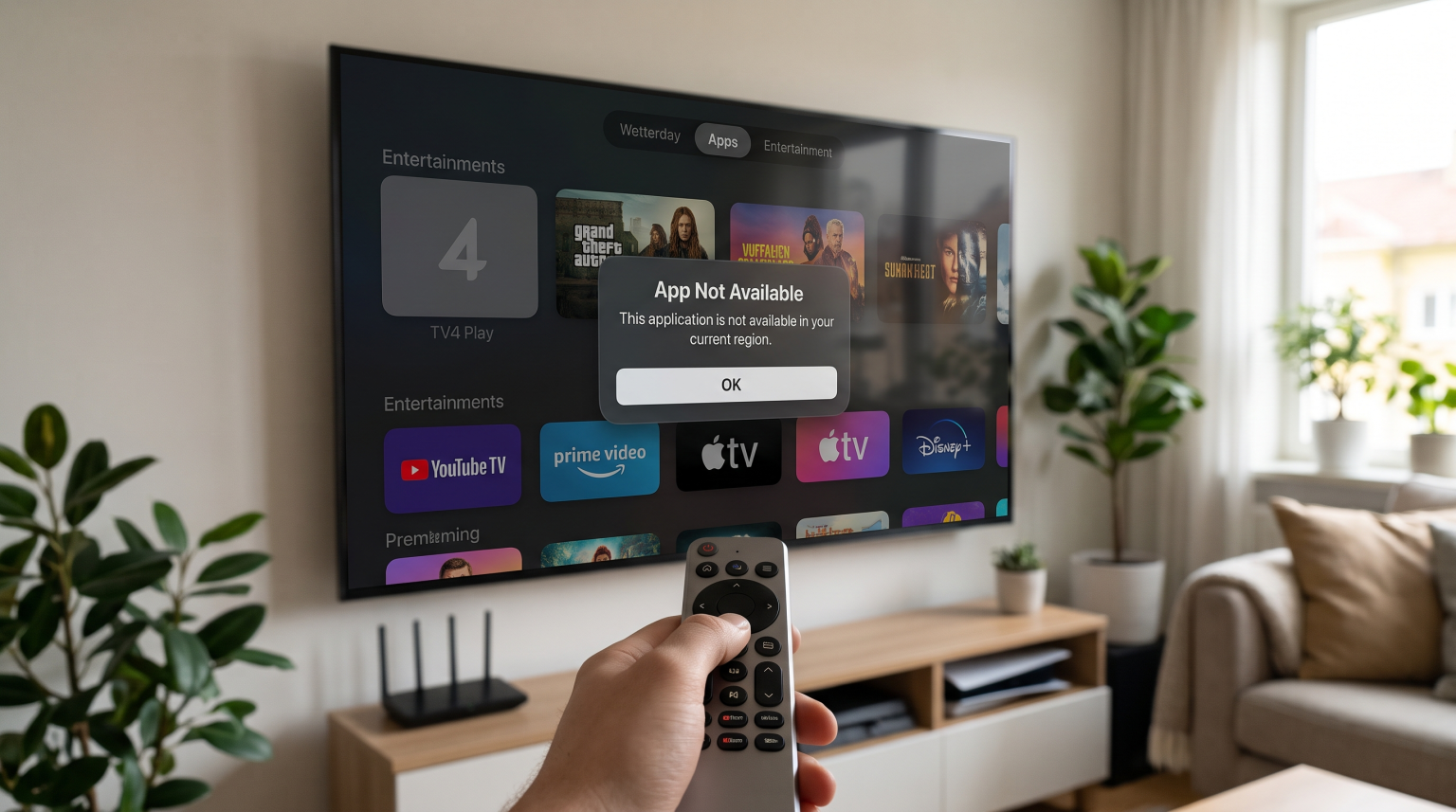
Many users notice missing applications after they adjust their television settings. If you change your Smart TV region, the system connects to a different local app store. TV4 Play is a Swedish streaming application. When you select a country other than Sweden, the television operating system hides or removes the TV4 Play application.
This happens because television manufacturers including Samsung, LG, and Sony restrict application availability based on your registered location. You need correct TV4 Play TV region settings to download and use the application. This guide explains why the application disappears, how different television brands handle region changes, and what options you have for watching video content.
Krótka odpowiedź
Smart TV manufacturers lock local streaming applications to specific geographic regions. When you change your Smart TV region away from Sweden, the television connects to a new local app store. The system automatically removes Swedish applications, including TV4 Play.
To fix this problem, you must change your television location settings or your user account country back to Sweden. Samsung Tizen, LG webOS, and Google TV all use different methods to determine your country. You must follow the specific regional rules for your television operating system.
How Different Smart TVs Handle Region Settings
Different television brands use different operating systems. Each operating system controls application availability in a unique way.
Samsung Tizen
Samsung links application availability to your Samsung Account country. If you change your Samsung Account region to the United Kingdom, the Samsung app store removes Swedish applications.
In 2026, Samsung enforces strict rules for region changes. If you change your Samsung Account country, you must wait 180 days before you can change the country again. All devices connected to your Samsung Account will sign out automatically when you change the region. Samsung Tizen may be suitable for users who want a simple interface, but the 180-day lock makes frequent region changes impossible.
Sony BRAVIA and Google TV
Sony BRAVIA televisions use the Google TV operating system. Google TV ties application availability to your Google Play Store country profile.
Google also limits how often you can change your region. You can only change your Google Play country once every 12 months. Furthermore, Google TV checks your internet protocol (IP) address. If your IP address does not match your account region, Google Play might hide the TV4 Play application. Sony BRAVIA with Google TV may be more suitable for users who want deeper integration with Google’s app ecosystem, provided they live in the correct region.
LG webOS
LG televisions use the webOS operating system. LG uses a television menu setting called “LG Services Country”.
You can change the LG Services Country directly in the general television settings menu. When you change the LG Services Country, the television restarts. After the restart, the television loads the app store for the new country. LG webOS is generally more flexible than Samsung Tizen because LG does not enforce a strict 180-day waiting period for region changes. If you are comparing televisions, our guide to Telewizory Smart TV marek Samsung i LG do obsługi IPTV: Tizen kontra webOS explains the differences between these two systems.
Region Settings Comparison
| Funkcja | Samsung Tizen | LG webOS | Sony Google TV |
| Region setting method | Samsung Account country | LG Services Country setting | Google Play Store country |
| Region change limit | 180-day waiting period | No strict time limit | Once per 12 months |
| App availability | Depends on account region | Depends on TV menu setting | Depends on account and IP |
| Application store | Samsung Apps | Sklep z treściami LG | Google Play |
Why Do Streaming Applications Disappear?
Streaming applications disappear because of broadcasting rights. Television networks buy the rights to show movies, television series, and live sports in specific countries.
TV4 Play owns broadcasting rights for the Swedish market. The company does not own the rights to broadcast those same programs in Germany, Spain, or the United States. To respect these legal contracts, TV4 Play requires television manufacturers to restrict the application to Swedish app stores. When you change your TV4 Play TV region settings to another country, the television manufacturer removes the application to prevent unauthorized international broadcasting.
IPTV Alternatives and Compatibility
Users who live outside Sweden or who cannot change their television region often look for alternative ways to watch television. Many users utilize Internet Protocol Television (IPTV) services.
An IPTV service delivers live television channels through the internet. To use IPTV, you need an IPTV player application. Popular IPTV players include IPTV Smarters, TiviMate, and XCIPTV.
Unlike local streaming applications, many generic IPTV players are available in app stores globally. This means you do not always need to change your Smart TV region to download an IPTV player.
You can load an M3U playlist or Xtream Codes login details into the IPTV player. A reliable service like TV Shadow IPTV provides access to various live television channels. TV Shadow IPTV delivers the server connection, and the user adds this connection to their preferred IPTV player application.
Please note that TV Shadow IPTV does not have an official relationship with Samsung, Sony, LG, Google, or TV4. Additionally, not every IPTV application works on every television. The available IPTV applications depend entirely on your television model and operating system. If you want to understand these limitations, you can read our article about Najlepszy system operacyjny dla telewizorów Smart TV do obsługi IPTV w 2026 r.: Tizen kontra Google TV kontra webOS.
Best TV Settings for Live Football
Many users want the TV4 Play application to watch live sports and football. If you watch live football through an official application or through an IPTV player, your television settings are very important.
Refresh Rate and Motion Handling
Football involves fast camera movements. A 120Hz television handles fast motion much better than a 60Hz television. A 120Hz television refreshes the screen 120 times per second, which keeps the football looking sharp while the camera moves. You can learn more about this in our guide discussing a Telewizory 60 Hz a 120 Hz do oglądania meczów piłki nożnej na żywo.
Network Connection
Live sports require a very stable internet connection. Wi-Fi connections can experience interference from walls and other electronic devices. Interference causes buffering and poor picture quality. You should always connect your Smart TV directly to your internet router using an Ethernet cable. An Ethernet cable guarantees a stable data connection for live football.
Picture Settings
Modern Smart TVs include artificial picture processing. Manufacturers call this “motion smoothing” or “frame interpolation”. This technology often makes live sports look unnatural. You should disable motion smoothing in your television picture settings. You should also select the “Standard” or “Filmmaker” picture mode for the most accurate colors during a football match.
Wnioski
Managing your Smart TV region is necessary if you want to use local streaming applications. The TV4 Play application requires your television to connect to the Swedish app store. Because television brands manage app stores differently, you must follow the specific rules for Samsung Tizen, LG webOS, or Google TV. Remember that changing regions on platforms like Samsung and Google now involves strict time limits.
If you cannot change your television region, generic IPTV players often provide a global alternative. When paired with a reliable provider like TV Shadow IPTV, a good IPTV player can deliver high-quality live entertainment without requiring constant region changes. Always ensure your television uses a wired internet connection and correct motion settings for the best viewing experience.
Najczęściej zadawane pytania
Why did TV4 Play disappear from my Samsung TV?
The application disappeared because your Samsung Account region changed. Samsung restricts the TV4 Play application to the Swedish region. You must change your Samsung Account country back to Sweden to restore the application.
Does Google TV have the TV4 Play application?
Yes, the Google Play Store offers the TV4 Play application. However, your Google Play account region must be set to Sweden, and you must access the store from a permitted network location.
Do IPTV applications require a specific TV region?
Many generic IPTV player applications are available in all global regions. However, some specific IPTV players are region-locked. The availability always depends on the application developer and the television manufacturer’s local app store policies.