
The Danish Superliga 2026/2027 season is the top football league in Denmark. Football fans need to know the correct television channels and streaming platforms to watch the live matches. The broadcasting rights for the Danish Superliga currently belong to Viaplay Group and TV 2 Denmark. These two companies will show every match during the 2026/2027 season. Viewers can watch the football matches using traditional television channels, official streaming applications, or compatible IPTV services. This guide explains exactly where to find the Danish Superliga broadcasts. This guide also compares the best Smart TV platforms for sports streaming and explains how to optimize your television for live football.
Krótka odpowiedź
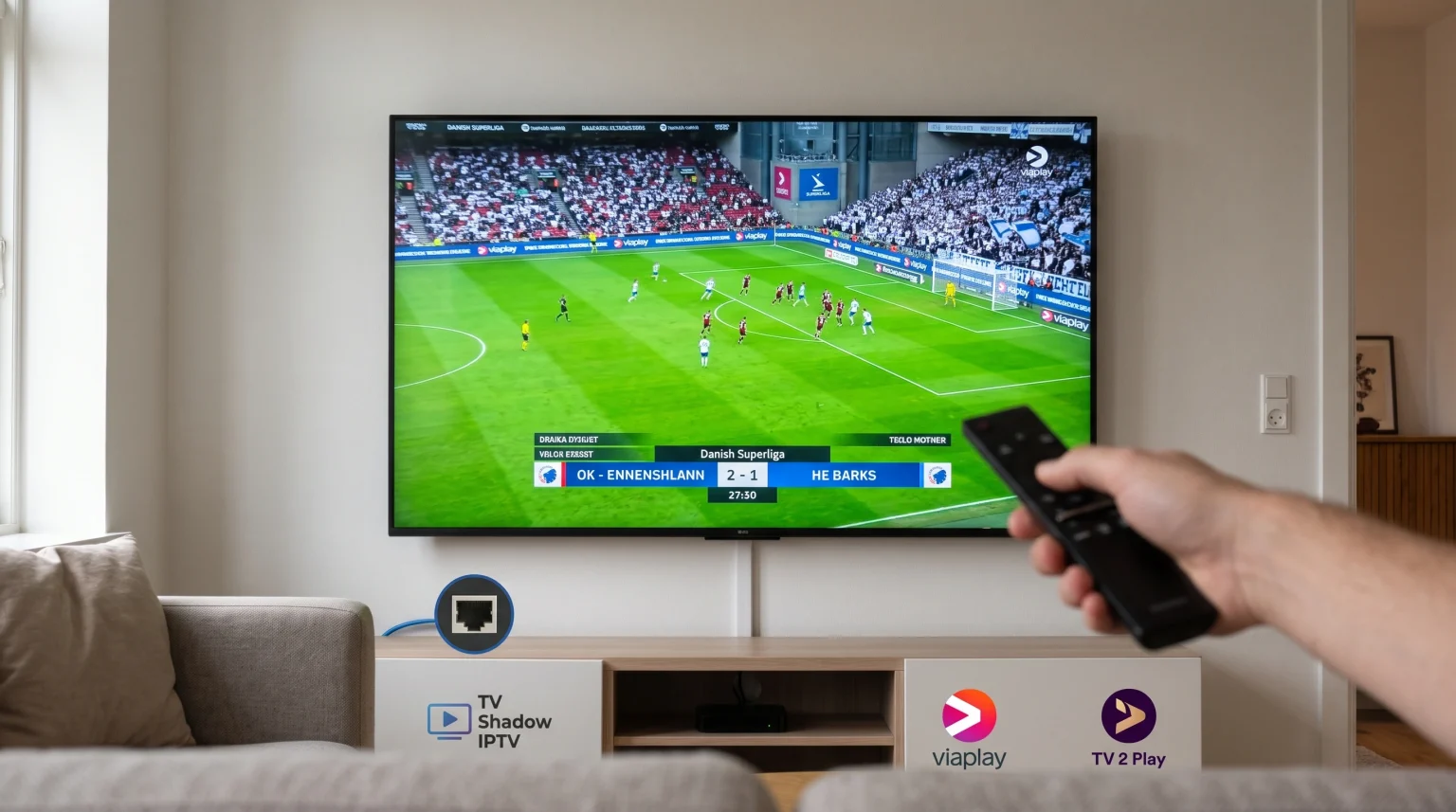
To watch the Danish Superliga streaming 2026 season legally in Denmark, you need a subscription to Viaplay or TV 2 Play. Viaplay and TV 2 share the official broadcasting rights. Viaplay shows live matches on the Viaplay streaming platform and television channels including TV3+ and TV3 Sport. TV 2 shows live matches on the TV 2 Play platform and television channels including TV 2 Sport and TV 2 Sport X. International viewers must use local sports networks that buy broadcasting rights for their specific country.
Official Broadcasters for the Danish Superliga 2026/2027 Season
The Danish Superliga signed a long-term broadcasting agreement with Viaplay Group and TV 2 Denmark. This agreement lasts until the end of the 2029/2030 football season. Because of this agreement, Viaplay and TV 2 divide the live matches every weekend.
Viaplay Television Channels and Streaming Services
Viaplay Group is a major sports broadcaster in the Nordic region. Viaplay subscribers can stream live Danish Superliga matches using the official Viaplay application. The Viaplay application is available on Samsung Tizen televisions, LG webOS televisions, and Google TV devices.
If you prefer traditional television channels, Viaplay Group broadcasts the Danish Superliga matches on specific sports channels. The primary channels for football are TV3+, TV3 Sport, and TV3 MAX. You can receive these television channels through standard cable television providers or digital satellite services in Denmark.
TV 2 Television Channels and Streaming Services
TV 2 Denmark is the second official broadcaster for the Danish Superliga. Fans can watch live matches using the TV 2 Play streaming platform. The TV 2 Play application works on most modern Smart TVs, including Samsung Smart TVs and Sony BRAVIA models.
TV 2 also uses traditional television channels for live football. The main channels for the Danish Superliga are TV 2 Sport and TV 2 Sport X. Some high-profile matches may also appear on the main TV 2 channel.
International Broadcasters for the Danish Superliga
If you live outside Denmark, you cannot use Viaplay Denmark or TV 2 Play without location restrictions. International viewers must find local television networks that broadcast the Danish Superliga. Many sports networks across Europe buy international rights to show Danish football matches. Check your local sports television guide to find the specific channel for your country.
Choosing the Best Smart TV for Danish Superliga Streaming 2026
When you stream live football, your television operating system is very important. The operating system controls which applications you can install. If you want to use Najlepszy system operacyjny dla telewizorów Smart TV do obsługi IPTV w 2026 roku, you must understand the differences between Samsung, Sony, and LG.
Samsung Smart TVs with Tizen Operating System
Samsung Smart TVs use the Tizen operating system. Tizen is a fast system with a clear user interface. Samsung provides official applications for Viaplay and TV 2 Play in the Danish application store. This makes a Samsung Smart TV a good choice for official Danish Superliga streaming.
However, Samsung Tizen is a closed operating system. Samsung Tizen does not support Google Play Store applications. If you want to use third-party sports applications or specific IPTV players, your choices are limited. The Samsung application store restricts many custom video players.
Sony BRAVIA with Google TV
Sony BRAVIA televisions use the Google TV operating system. Google TV is based on the Android operating system. This means Sony BRAVIA televisions include the official Google Play Store.
The Google Play Store offers excellent support for sports streaming. You can easily download Viaplay, TV 2 Play, and thousands of other applications. Google TV is also very popular for IPTV users because the Google Play Store allows many advanced M3U playlist players. If you want maximum application flexibility for live football, Sony BRAVIA with Google TV is an excellent choice.
LG Smart TVs with webOS
LG Smart TVs use the webOS operating system. The webOS interface uses a “Magic Remote” that functions like a computer mouse. Many users find the Magic Remote very easy to use.
LG webOS supports the official Danish Superliga streaming applications. You can install Viaplay and TV 2 Play directly from the LG Content Store. Like Samsung Tizen, LG webOS does not support Android applications. However, the LG Content Store offers a good selection of IPTV applications for sports fans. You can read more in our guide comparing brands: Telewizory Smart TV marek Samsung i LG do obsługi IPTV: Tizen kontra webOS.
Comparison Table: Smart TV Operating Systems for Sports
| Funkcja | Samsung Tizen | Sony Google TV | LG webOS |
| System operacyjny | Tizen | Google TV | webOS |
| Ekosystem aplikacji | Samsung Apps | Sklep Google Play | Sklep z treściami LG |
| Obsługa aplikacji na Androida | No Android support | Full Android support | No Android support |
| Official sports apps | Viaplay, TV 2 Play | Viaplay, TV 2 Play | Viaplay, TV 2 Play |
| IPTV app flexibility | Restricted | Bardzo wysoki | Umiarkowane |
| User interface | Fast and simple | Content-focused | Magic Remote pointer |
Watching Live Football Using IPTV
Many sports fans use IPTV services to watch television channels. IPTV delivers live television through your internet connection instead of a satellite dish or cable connection. If you want to watch the Danish Superliga streaming 2026 season via IPTV, you must use compatible software.
IPTV Player Availability on Smart TVs
To use an IPTV service, you must install an IPTV player application on your Smart TV. The IPTV player reads your M3U playlist or your Xtream Codes connection details.
Google TV provides the best IPTV player availability. Samsung Tizen and LG webOS have strict rules for their application stores, so some IPTV players are not available. However, all three major operating systems offer reliable IPTV applications that display the Electronic Program Guide (EPG).
Electronic Program Guide (EPG) Support
A good IPTV player must support an Electronic Program Guide. The Electronic Program Guide is a digital menu that shows the television schedule. When you watch the Danish Superliga, the Electronic Program Guide shows you exactly when the football match begins. The Electronic Program Guide also shows you which teams are playing. TV Shadow IPTV provides accurate EPG data so you never miss a football match.
Using TV Shadow IPTV for Sports Streaming
TV Shadow IPTV provides a reliable connection for your favorite television channels. You can configure TV Shadow IPTV with many popular Smart TV applications. When you watch live football, stability is the most important factor. TV Shadow IPTV supports standard M3U links and Xtream Codes API. This broad compatibility means you can watch live sports on Samsung, LG, Sony, or Android TV devices.
Wi-Fi vs Ethernet for Stable Streaming
Live football requires a constant stream of digital data. If your internet connection drops for one second, the football match will freeze on your television screen.
For the best Danish Superliga streaming experience, do not use a Wi-Fi connection. Wi-Fi signals suffer from interference caused by walls, furniture, and other electronic devices. Instead, connect an Ethernet cable directly from your internet router to your Smart TV. An Ethernet cable provides a stable internet connection. A stable internet connection prevents video buffering when a player scores a goal.
Important Television Specifications for Live Football
Buying a new television for sports requires careful attention to hardware specifications. Football is a fast sport. If your television has weak hardware, the football will look blurry when the camera moves quickly.
Obsługa ruchu i przetwarzanie obrazu
Motion handling is the television’s ability to display fast-moving objects clearly. When a football player kicks the ball, the ball moves very fast across the screen. A television with poor motion handling will create a blurry trail behind the ball. Sony BRAVIA televisions are famous for excellent motion processing. Samsung and LG also offer advanced motion processing on their premium television models.
60Hz vs 120Hz Refresh Rate
The refresh rate measures how many times the television screen updates the picture every second. A 60Hz television updates the picture 60 times per second. A 120Hz television updates the picture 120 times per second.
For live football, a 120Hz television is much better. The faster refresh rate makes camera movements look smooth and natural. If you want to understand this technical difference in detail, read our complete explanation: Telewizory 60 Hz a 120 Hz do oglądania meczów piłki nożnej na żywo.
Picture Upscaling for Sports
Many television channels do not broadcast matches in 4K resolution. Broadcasters often use 720p or 1080p resolution. If you have a modern 4K television, the television must use software to increase the size of the 1080p image. This software process is called “upscaling”.
A television with a strong processor will upscale the football match clearly. A television with a weak processor will make the football players look soft or pixelated. High-end Samsung, Sony, and LG televisions use artificial intelligence to improve the picture quality of standard high-definition sports channels.
Wnioski
Finding the correct Danish Superliga streaming 2026 options is simple when you know the official broadcasters. Viaplay and TV 2 Denmark hold the exclusive broadcasting rights until 2030. You can watch the football matches using traditional television channels like TV3+ and TV 2 Sport, or you can use streaming platforms like Viaplay and TV 2 Play. When choosing hardware, a Sony BRAVIA with Google TV offers the most flexibility for sports applications. Samsung Tizen and LG webOS also provide excellent picture quality, but they have smaller application stores. For the best sports viewing experience, choose a 120Hz television and always connect your television to your router using an Ethernet cable.
Najczęściej zadawane pytania (FAQ)
Can I watch the Danish Superliga for free?
No, you cannot watch the Danish Superliga for free legally. The official broadcasting rights belong to Viaplay Group and TV 2 Denmark. Both broadcasters require a paid subscription to watch the live football matches.
Which television channels show the Danish Superliga?
The official television channels are TV3+, TV3 Sport, TV3 MAX, TV 2 Sport, and TV 2 Sport X. Viaplay and TV 2 share the matches, so you must check the television guide each week to see which channel shows a specific match.
Does TV Shadow IPTV have official Danish Superliga rights?
No, TV Shadow IPTV does not own official broadcasting rights for the Danish Superliga. TV Shadow IPTV is a service provider that connects users to IPTV streams. The official broadcasting rights in Denmark belong exclusively to Viaplay and TV 2.