
Wenn Sie es satt haben, immer höhere Kabelgebühren für Sender zu zahlen, die Sie nie anschauen, sind Sie definitiv nicht allein. Millionen von Menschen verzichten auf das herkömmliche Fernsehen und steigen auf Internet Protocol Television (IPTV) um. Doch wenn du noch neu in der Welt des „Cord-Cutting“ bist, kann die riesige Auswahl an Apps, Anbietern und Fachbegriffen zunächst überwältigend wirken.
Wir bei FluxtvLive verstehen das. Wir haben diesen umfassenden Leitfaden zusammengestellt, um Ihre wichtigsten Fragen zu beantworten und Ihnen bei der Auswahl des Die besten IPTV-Apps, damit auf Ihrem Fernseher alles reibungslos läuft – ganz ohne Kopfzerbrechen.
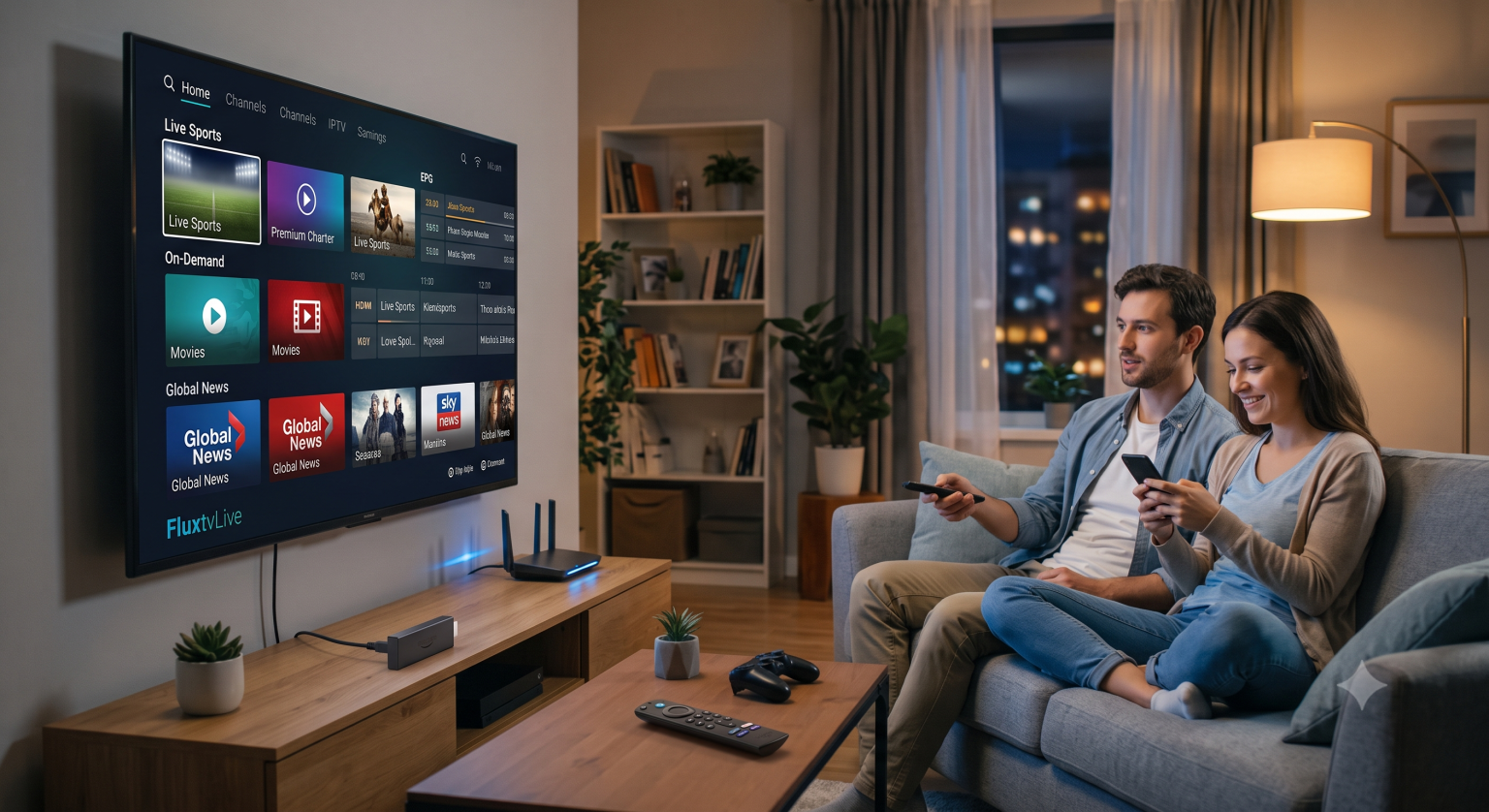
Was genau ist IPTV?
Anstatt auf eine Satellitenschüssel oder eine herkömmliche Set-Top-Box angewiesen zu sein, liefert IPTV Live-Fernsehen und On-Demand-Inhalte direkt über Ihre Internetverbindung. Stellen Sie sich das wie eine riesige Streaming-Bibliothek vor, die jedoch mit Live-Sport, lokalen Nachrichten und Tausenden von internationalen Sendern gefüllt ist.
Da der Dienst über das Internet läuft, hast du die volle Kontrolle darüber, was du dir ansiehst und wie du es dir ansiehst – egal, ob das auf einem Smart-TV, ein Amazon Firestick, oder auf Ihrem Smartphone.
Die besten IPTV-Anbieter, die Sie nutzen sollten
Ihr Anbieter stellt die eigentlichen Kanäle zur Verfügung, aber Sie benötigen eine IPTV-Player-App, um sie anzusehen. Hier sind zwei der derzeit besten Optionen:
TiviMate: Fragen Sie einmal in der Community herum, und man wird Ihnen sagen, dass TiviMate der Goldstandard für Android-TV- und Firestick-Konfigurationen ist. Die App bietet einen übersichtlichen Programmführer im klassischen Kabelfernseh-Stil, unglaublich schnelles Umschalten zwischen den Kanälen und großartige Anpassungsmöglichkeiten.
IPTV Smarters Pro: Eine solide, benutzerfreundliche Wahl, die auf fast jeder Plattform funktioniert. Sie ist perfekt, wenn Sie ein übersichtliches Dashboard wünschen, das Live-TV, Filme und Fernsehserien klar voneinander trennt.
So richten Sie IPTV auf einem Firestick ein
Der Amazon Fire Stick ist zweifellos das beliebteste Gerät für IPTV, da er günstig, leistungsstark und leicht anzupassen ist. Hier ist die schnellste Methode, um alles in Betrieb zu nehmen:
Installieren Sie die Downloader-App: Schalten Sie Ihren Firestick ein, gehen Sie zur Suchleiste, geben Sie “Downloader” ein und installieren Sie die App.
„Unbekannte Quellen“ aktivieren: Gehen Sie zu “Einstellungen” > „Mein Fire TV“ > „Entwickleroptionen“ und aktivieren Sie „Apps aus unbekannten Quellen“, damit Sie Apps per Sideloading installieren können.
Laden Sie Ihren Player herunter: Öffnen Sie den Downloader und geben Sie die URL Ihres bevorzugten Players (z. B. TiviMate oder Smarters Pro) ein.
Gib deine Wiedergabeliste ein: Öffnen Sie nach der Installation die App und wählen Sie “Playlist hinzufügen”. Ihr Anbieter wird Ihnen eine M3U-URL zur Verfügung stellen. Geben Sie diese genau so ein, wie sie angegeben wurde, und achten Sie darauf, dass Sie kein Zeichen auslassen.
Lade die EPG: Falls Ihr Anbieter Ihnen einen Link zum elektronischen Programmführer (EPG) zur Verfügung gestellt hat, geben Sie diesen bitte in den EPG-Einstellungen der App ein. Ohne diesen Link werden in Ihrem Programmführer nur leere Programmübersichten angezeigt.
Worauf Sie bei einem guten IPTV-Abonnement achten sollten
Nicht alle Dienste sind gleich. Wenn Sie verschiedene Angebote vergleichen oder eine kostenlose IPTV-Testversion ausprobieren, sollten Sie folgende Punkte unbedingt beachten:
Serverstabilität: Eine riesige Senderliste nützt nichts, wenn der Stream genau dann ruckelt, wenn ein Spiel in die Verlängerung geht. Testen Sie den Dienst zu Spitzenzeiten, um zu sehen, wie die Server mit hohem Datenverkehr zurechtkommen.
Videoqualität: Halten Sie Ausschau nach Anbietern, die echte HD- und 4K-Streams anbieten, anstatt stark komprimierte Standard-Definition-Feeds.
Kundenbetreuung: Ein zuverlässiger Anbieter sollte einen reaktionsschnellen Support per Live-Chat, E-Mail oder WhatsApp bieten, wenn unvermeidlich Anpassungen erforderlich werden.
Fehlerbehebung: So beheben Sie das Puffern
Selbst die allerbesten IPTV-Dienst kommt es gelegentlich zu Rucklern. Wenn Sie mit ständigen Ladeverzögerungen zu kämpfen haben, probieren Sie diese schnellen Lösungen aus:
Überprüfen Sie Ihre Geschwindigkeit: Für reibungsloses HD-Streaming benötigen Sie eine stabile Verbindung mit mindestens 20 Mbit/s, für 4K-Streaming sollten es eher 50 Mbit/s sein.
WLAN abschalten: Wenn möglich, schließen Sie Ihr Streaming-Gerät über ein Ethernet-Kabel direkt an Ihren Router an. WLAN-Störungen sind die häufigste Ursache für zufällige Verzögerungen und Bildfrieren.
Verwenden Sie ein VPN: Manchmal drosseln Internetdienstanbieter (ISPs) absichtlich den Streaming-Verkehr. Ein gutes VPN verschleiert Ihre Aktivitäten und verhindert, dass Ihr Internetdienstanbieter Ihre Verbindung verlangsamt.
Warum FluxtvLive?
In einer Flut von toten Links und ruckelnden Streams einen zuverlässigen Dienst zu finden, kann eine frustrierende Erfahrung sein. Bei FluxtvLive, legen wir großen Wert auf eine absolut zuverlässige Serververfügbarkeit, gestochen scharfe HD-Streams und ein riesiges Angebot an Live-Sportübertragungen sowie VOD Inhalte, die tatsächlich funktionieren, wenn man sie sich ansehen möchte.
Sind Sie bereit, sich endgültig vom Kabelfernsehen zu verabschieden? Schließen Sie ein Abonnement ab, laden Sie Ihren Lieblingsplayer herunter und genießen Sie Fernsehen, wie es sich gehört.