
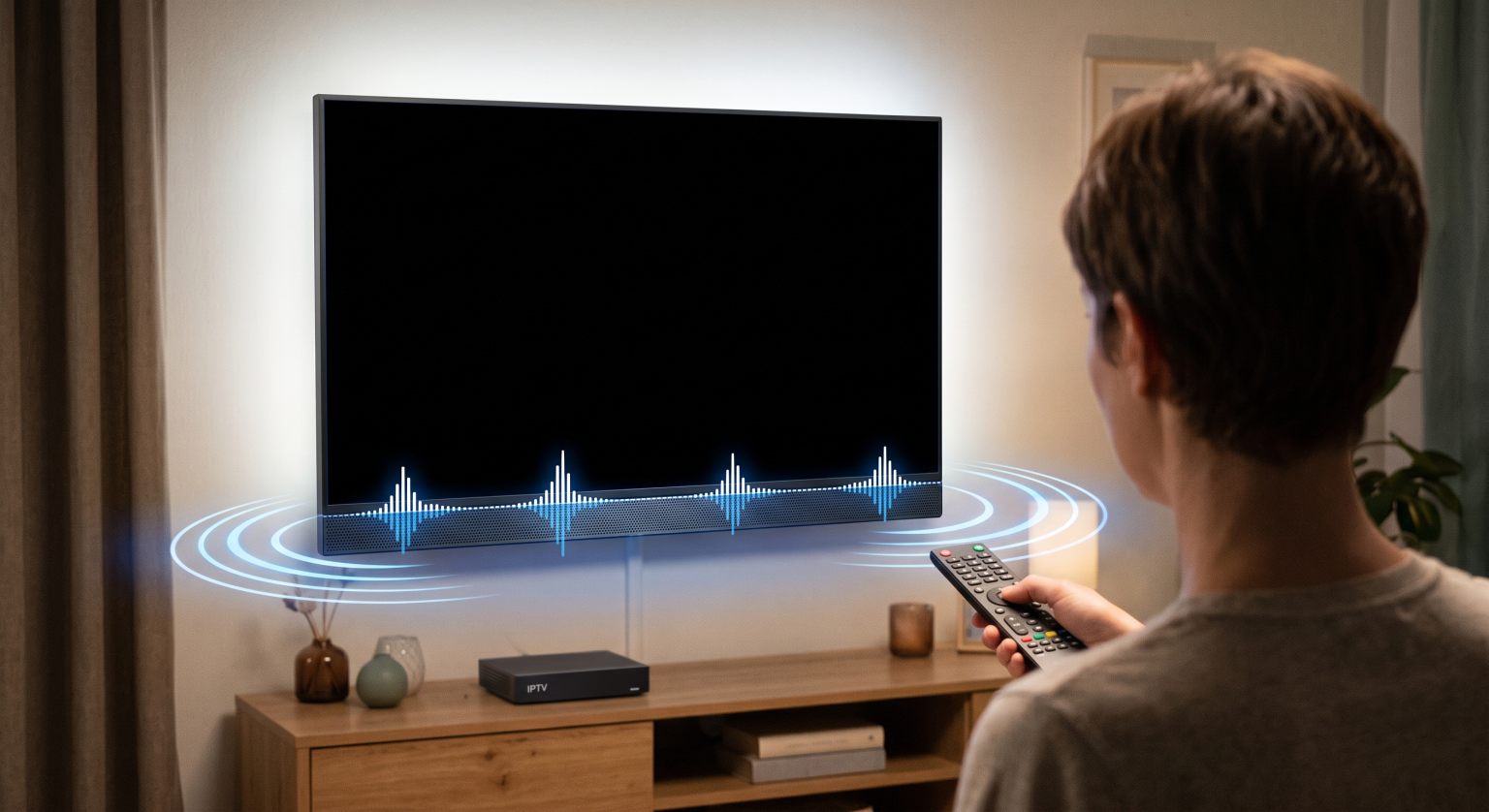
Vous vous installez confortablement pour une soirée cinéma, mais vous tombez sur un Écran noir sur l'IPTV alors que le son fonctionne parfaitement en arrière-plan ? Vous n'êtes pas le seul à être confronté à ce problème frustrant. Partout aux États-Unis, les téléspectateurs sont souvent confrontés à ce problème “ du son mais pas d'image ”, mais la bonne nouvelle, c'est qu'il est généralement très facile à résoudre sans avoir à faire appel à un technicien.
Que le problème vienne des paramètres de votre application, de votre connexion Internet ou de votre matériel, nous sommes là pour vous aider. Voici exactement comment diagnostiquer et résoudre le redoutable problème d'écran noir sur l'IPTV.
1. Redémarrez votre lecteur IPTV et vos appareils
Les astuces informatiques les plus anciennes sont souvent les plus efficaces. Les dysfonctionnements logiciels au sein de votre Lecteur IPTV peut entraîner une défaillance du décodeur vidéo alors que la piste audio continue d'être diffusée.
Forcer la fermeture de l'application : Fermez complètement votre application IPTV sur votre Firestick, votre Smart TV ou votre boîtier Android.
Redémarrez l'appareil : Débranchez votre appareil de streaming et votre téléviseur de la prise murale pendant au moins 60 secondes.
Relance : Rebranchez tous les appareils et relancez l'application pour voir si la vidéo s'affiche à nouveau.
2. Modifier les paramètres du lecteur vidéo ou du codec
L'une des causes les plus courantes d'un écran noir sur l'IPTV est l'utilisation d'un décodeur vidéo incompatible. Si votre application tente de lire un format vidéo que votre appareil ne prend pas en charge nativement, vous entendrez le son mais n'aurez pas d'image.
Accédez aux paramètres de votre application IPTV et recherchez l'option Lecteur multimédia ou Lecture options. Passez du décodeur matériel par défaut à un décodeur logiciel (ou inversement). Vous pouvez également essayer d'utiliser un lecteur externe tel que VLC ou MX Player, qui intègrent des codecs performants capables de gérer à merveille les problèmes complexes liés au streaming.
3. Vider le cache et les données de l'application
Au fil du temps, votre appareil de streaming accumule des fichiers temporaires susceptibles de perturber la qualité de votre diffusion. Si vous utilisez un appareil sous Android ou un Firestick, le fait de supprimer ces fichiers inutiles peut résoudre instantanément un Écran noir sur l'IPTV.
Accédez à l'écran d'accueil de votre appareil Paramètres, sélectionnez Applications, puis recherchez votre application IPTV. Cliquez sur Vider le cache pour supprimer les fichiers temporaires. Si cela ne fonctionne pas, essayez Effacer les données N'oubliez pas que vous devrez ensuite vous reconnecter avec vos identifiants IPTV.
4. Contourner la limitation de débit imposée par le FAI grâce à un VPN
Les fournisseurs d'accès à Internet aux États-Unis sont connus pour limiter la bande passante lorsqu'ils détectent un trafic de streaming important. Si votre connexion Internet est rapide mais que vos chaînes IPTV ne parviennent pas à charger les vidéos, il se peut que votre FAI restreigne votre accès.
Utilisation d'un réseau privé virtuel (VPN) de haute qualité (VPN) crypte vos données. Cela masque votre activité de streaming à votre FAI, ce qui empêche la limitation du débit et résout souvent instantanément les problèmes persistants de vidéos qui restent vides.
Quelle est la cause du problème ? Une comparaison rapide
Avant d'essayer des solutions plus avancées, il est utile de comprendre d'où vient le problème. Voici une analyse des trois principales causes de vos problèmes de streaming :
| Type de problème | Symptômes | La meilleure solution rapide |
| Erreur d'application/de codec | Le menu fonctionne, le son est audible, mais l'image est complètement noire. | Passez à VLC ou modifiez le décodeur vidéo interne. |
| Matériel / HDMI | Le téléviseur affiche le message “ Aucun signal ” ou clignote de manière aléatoire. | Remplacez le câble HDMI ou essayez un autre port du téléviseur. |
| Limitation du débit par le réseau/le FAI | La chaîne met du temps à se charger, se met en mise en mémoire tampon, puis l'écran devient noir. | Redémarrez le routeur ou utilisez un VPN fiable basé aux États-Unis. |
Prêt pour un streaming sans accroc ?
Ne laissez pas un Écran noir sur l'IPTV gâcher votre expérience de divertissement. Si vous avez essayé toutes les solutions proposées ci-dessus et que votre fournisseur actuel continue de vous causer des problèmes de streaming incessants, il est peut-être temps de changer d'abonnement.
[Cliquez ici pour découvrir nos formules IPTV Premium] et profitez d'un streaming fluide et d'une qualité irréprochable partout aux États-Unis, avec un service client fiable disponible 24 h/24 et 7 j/7 !
Ajoutez ici le texte de votre titre
Pourquoi mon IPTV affiche-t-elle un écran noir alors que j'entends le son de la télévision ?
Ce problème est généralement dû à un codec vidéo non pris en charge, à un dysfonctionnement du lecteur multimédia de l'application ou à un blocage temporaire du logiciel sur votre appareil de streaming. La piste audio se charge correctement, mais l'appareil ne parvient pas à décoder la piste vidéo.
La vitesse de connexion Internet a-t-elle une incidence sur la qualité vidéo de l'IPTV ?
Oui. Alors que le son ne nécessite que très peu de bande passante, la vidéo haute définition requiert une connexion puissante et stable. En cas de coupure de connexion, la vidéo peut s'interrompre complètement, tandis que le son continue d'être diffusé à partir de la mémoire tampon.
Dois-je réinstaller mon application IPTV ?
Si le vidage du cache et la modification des paramètres du lecteur multimédia ne suffisent pas, il est vivement recommandé de désinstaller puis de réinstaller l'application. Cela vous garantit de disposer de la dernière version, dotée de décodeurs vidéo mis à jour.