
If you’ve spent any time looking into cord-cutting or streaming alternatives lately, you’ve almost certainly bumped into the term “M3U IPTV list.” It sounds highly technical, maybe even a little intimidating, but it is actually the backbone of modern streaming.
Whether you are putting together a premium home cinema setup or just trying to get live sports running smoothly on your tablet, understanding how these playlists work is essential. Let’s strip away the confusing jargon and look at exactly what these files are, how to optimize them for the best picture quality, and how to get them running on your favorite hardware.
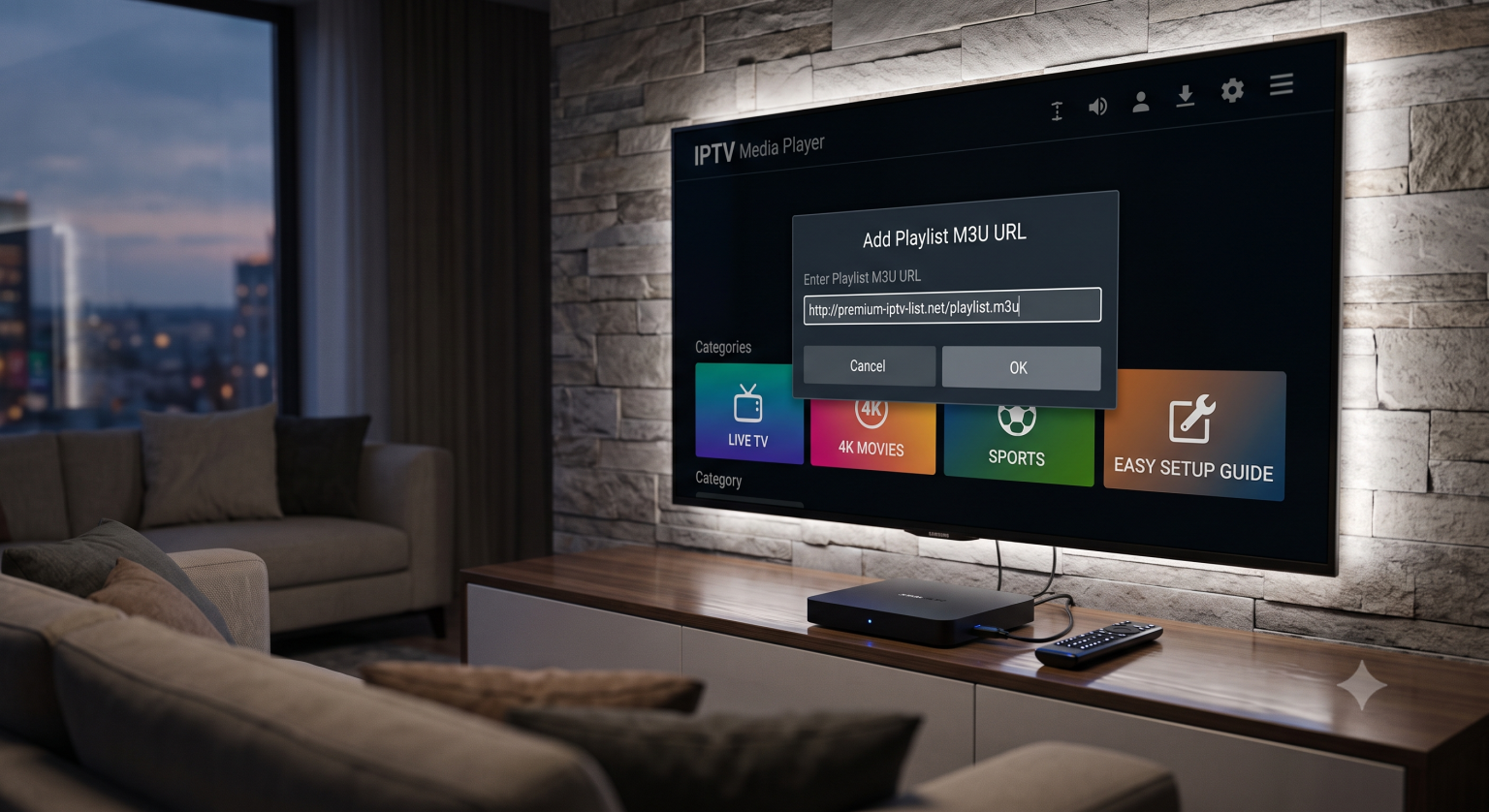
What Exactly is an M3U Playlist?
At its core, an M3U (MP3 URL) is simply a plain text file. It contains a directory of streaming links, channel names, and sometimes metadata like channel logos. When you load an M3U link into a compatible media player, the software reads those URLs and organizes them into a clean, easy-to-navigate TV guide.
While the format has been around since the 1990s, the technology delivering the video has evolved dramatically. A good playlist in 2026 isn’t just about having thousands of channels; it’s about the streaming technology behind them. Top-tier providers are heavily utilizing advanced video compression. You’ll see a lot of streams moving from older formats to HEVC (H.265) and the newer AV1 codecs. These allow for crystal-clear 4K and emerging 8K broadcasts without entirely crushing your bandwidth or causing endless tamponlama.
Choosing the Right Hardware for Your IPTV Setup
Loading a heavy playlist with upwards of 10,000 channels requires a device that can actually process all that data. Not all hardware handles it the same way.
Smart TVs (Samsung Tizen & LG WebOS): These platforms are incredibly popular and have some great dedicated apps. However, native TV memory can sometimes choke on massive, unedited playlists. If you’re running IPTV directly on Tizen or WebOS, it is highly recommended to use a customized or filtered M3U list that only includes the categories you actually watch.
Android TV Boxes: This is the sweet spot for modern streaming. Devices packing WiFi 6 and 4GB+ of RAM handle hefty VOD libraries and live EPG (Electronic Program Guide) data effortlessly. They also offer the widest compatibility with different media player apps.
How to Set Up an M3U Link on Any Device
The setup process is pretty universal across the board, regardless of what screen you are using.
Download your player: Grab a dedicated IPTV app from your device’s official app store.
Locate the “Add Playlist” section: This is usually found in the main settings menu or by clicking a prominent “+” icon on the dashboard.
Input the URL: You will usually be asked to choose between a local file upload or entering an M3U URL. Always opt for the URL. This ensures your channel list and TV guide update automatically when the provider makes changes on their server.
Wait for the sync: Give the app a moment to pull in the channel names, logos, and EPG data. If it’s a large list, this initial sync might take a minute.
Troubleshooting the Dreaded Buffer
Nothing ruins a movie night faster than a buffering wheel. If your stream keeps stuttering or dropping out, the playlist itself isn’t always to blame.
Sometimes, the route between your internet service provider (ISP) and the streaming server gets congested. If your channels refuse to load entirely or you’re experiencing severe connection timeouts, you might be dealing with a DNS routing issue. Switching your device or router to a public DNS like Google’s (8.8.8.8) or Cloudflare’s (1.1.1.1) can often bypass local ISP bottlenecks, resolve timeout errors, and drastically improve server response times.
A Quick Word on Security and Free Lists
The internet is flooded with free M3U links scattered across GitHub repositories and tech forums. While it can be tempting to copy and paste a free list, keep in mind that public servers get overloaded instantly, leading to terrible playback quality.
More importantly, always protect your network. If you are exploring various IPTV streams, routing your traffic through a reliable VPN is a smart move. It keeps your digital footprint private and stops your ISP from intentionally throttling your connection when they detect heavy video data.
Getting your streaming environment dialed in takes a little bit of tweaking, but the payoff is absolute control over your entertainment. Keep your apps updated, manage your hardware limits, and enjoy the stream.
Free IPTV M3U Playlists and Setup Tips This video provides a visual walkthrough of setting up current M3U playlists and offers context on the types of free channels users are frequently searching for this year.