
If you’ve spent any amount of time scrolling through Amazon’s app store looking for a decent streaming setup, you know the struggle. You have your Fire TV Stick, you have your IPTV aboneliği (or at least a playlist ready to go), and now you just need the software to run it.
Finding an iptv player for firestick free from hidden charges, annoying ads, and constant buffering shouldn’t require a computer science degree.
The good news? The Firestick is arguably the best device for this exact setup because it allows you to easily “sideload” third-party apps. The catch? Not all players are created equal. Some look like they were built in 2005, while others are incredibly sleek but hide their best features behind a massive paywall.
Let’s break down the best free IPTV players available right now, what makes them worth your time, and exactly how to get them running on your screen in a few minutes.
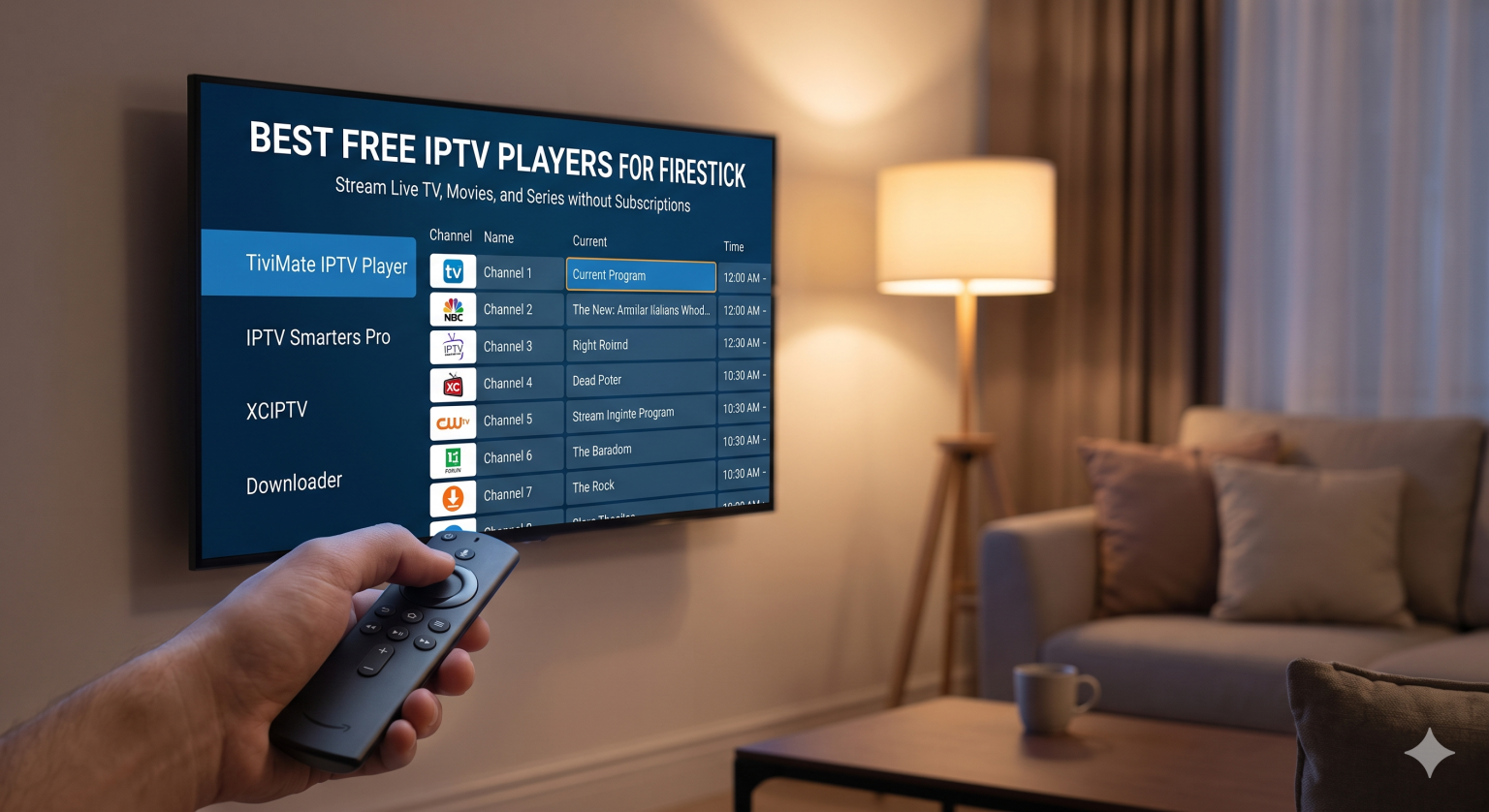
Wait, What Exactly is an IPTV Player?
Before we dive into the list, let’s clear up a common mix-up. An IPTV oyuncu is just an empty shell a media player. It does not come with live TV channels, movies, or sports included.
Think of it like buying a DVD player. The player itself is useless until you put a DVD inside it. In the IPTV world, your “DVD” is the M3U playlist or Xtream Codes login provided by your IPTV service. You provide the content; the player simply organizes it into a beautiful, easy-to-navigate TV guide.
Top 5 Free IPTV Players for Firestick
Here are the most reliable, user-friendly options that won’t cost you a dime to download and use.
1. TiviMate IPTV Player (The Crowd Favorite)
If you ask anyone in the cord-cutting community what they use, 90% of them will say TiviMate. Even though there is a premium version, the free tier is more than enough for most casual viewers.
Why it’s great: The user interface is gorgeous. It looks and feels exactly like a premium cable box. It handles massive channel lists without lagging.
What you get for free: Basic channel navigation, EPG (Electronic Program Guide) support, and the ability to add a single playlist.
The catch: If you want features like recording, multiple playlists, or customizing the channel order, you’ll need to upgrade to premium (which is roughly a one-time $30 fee for a lifetime license).
2. IPTV Smarters Pro (Best for Beginners)
Despite the “Pro” in the name, this app is completely free to download and use on your Firestick. It is incredibly popular because of how simple the login screen is.
Why it’s great: It natively supports both M3U links and the Xtream Codes API. When you log in, it automatically categorizes your content into Live TV, Movies, and Series using big, easy-to-click tiles.
The vibe: Very straightforward. If you are setting this up for an older relative who isn’t tech-savvy, this is the app you want to use.
3. XCIPTV Player
This is a fantastic alternative if TiviMate or Smarters isn’t your style. XCIPTV is known for being incredibly fast and lightweight.
Why it’s great: It has a built-in media player (ExoPlayer), meaning you rarely run into playback errors or audio desync issues. The interface is highly visual, showing movie posters and TV show art clearly.
Best feature: It integrates really smoothly with external video players like VLC if you prefer using those to handle your raw streaming links.
4. Kodi (The Heavyweight)
Kodi isn’t strictly an IPTV player it’s a massive open-source media center. However, by using the free “PVR IPTV Simple Client” add-on, it becomes one of the most powerful free players in existence.
Why it’s great: It is 100% free, forever. There is no premium version. You can customize literally everything about how it looks and functions.
The downside: The setup process is definitely more complicated than the other apps on this list. It requires a bit of patience to configure.
5. VLC for Fire
Yes, the trusty traffic-cone app. Most people use VLC to play files off a USB drive, but it can also stream M3U playlists directly.
Why it’s great: It will play literally any file format on earth and never asks for money.
The downside: It doesn’t have a traditional “TV Guide” interface. It just lists your channels in text form. It’s functional, but not pretty.
How to Install Any Free IPTV Player on Firestick
Since Amazon doesn’t host all of these apps in their official store (or occasionally removes them), you’ll often need to use the İndirme Aracı app to get them. It’s a completely legal and safe process called sideloading.
Here is the exact process to get any player onto your device:
Go to the search icon on your Firestick home screen, type in “Downloader,” and install the app with the orange icon.
Go to your Firestick Ayarlar > Fire TV'm > Geliştirici Seçenekleri. Click on “Install unknown apps” and turn it ON for the Downloader app. (Note: If you don’t see Developer Options, click on “About,” then click your Fire TV Stick’s name 7 times fast to unlock the menu).
Launch the Downloader app. In the URL box, you can either type the direct URL of the app’s APK file, or use a quick shortcode (for example, typing 272483 usually pulls up TiviMate directly from their official source).
Once the file downloads, hit Yükle. Afterward, you can delete the installation file to save storage space on your Firestick.
One Crucial Thing You Need to Know
If you are going to stream live TV through third-party apps and independent providers, your Internet Service Provider (ISP) is likely watching.
ISPs are notorious for “throttling” (slowing down) your internet speed when they detect heavy streaming traffic from unverified sources. This is the number one reason why people experience random buffering during big live sports events, even if they have fast internet.
To fix this, you should always run a VPN in the background on your Firestick. It encrypts your traffic so your ISP can’t see what you are doing or throttle your speed. Any reputable VPN app can be downloaded directly from the official Amazon app store.
Son Düşünceler
You don’t need to empty your wallet just to get a good interface for your streams. If you want the slickest experience right out of the gate, grab TiviMate. If you want something dead simple that just works instantly, go with IPTV Smarters Pro.
Grab your M3U link or Xtream codes from your provider, load it into one of these free players, and you’ll be set up with a premium cable experience in minutes.