
If you’re a serious sports fan, you already know the pain. It’s the 89th minute of a tied match, the striker breaks through the defense, he pulls his foot back to shoot and the screen freezes. Tamponlama. By the time the stream catches up, you’re looking at a replay of the celebration while your group chat is already blowing up.
When it comes to streaming live sports via IPTV, the provider you choose matters, but the IPTV oynatıcı you use to decode that stream is just as critical. Two of the heaviest hitters in the community right now are Akıllı IPTV (SIPTV) ve TiviMate. Both will play your M3U playlists, but they offer completely different experiences.
I’ve run both of these apps through the wringer during peak weekend traffic. If you’re trying to figure out which player deserves a spot on your setup for NFL Sundays, Premier League mornings, or UFC fight nights, here is the real breakdown of how they compare.
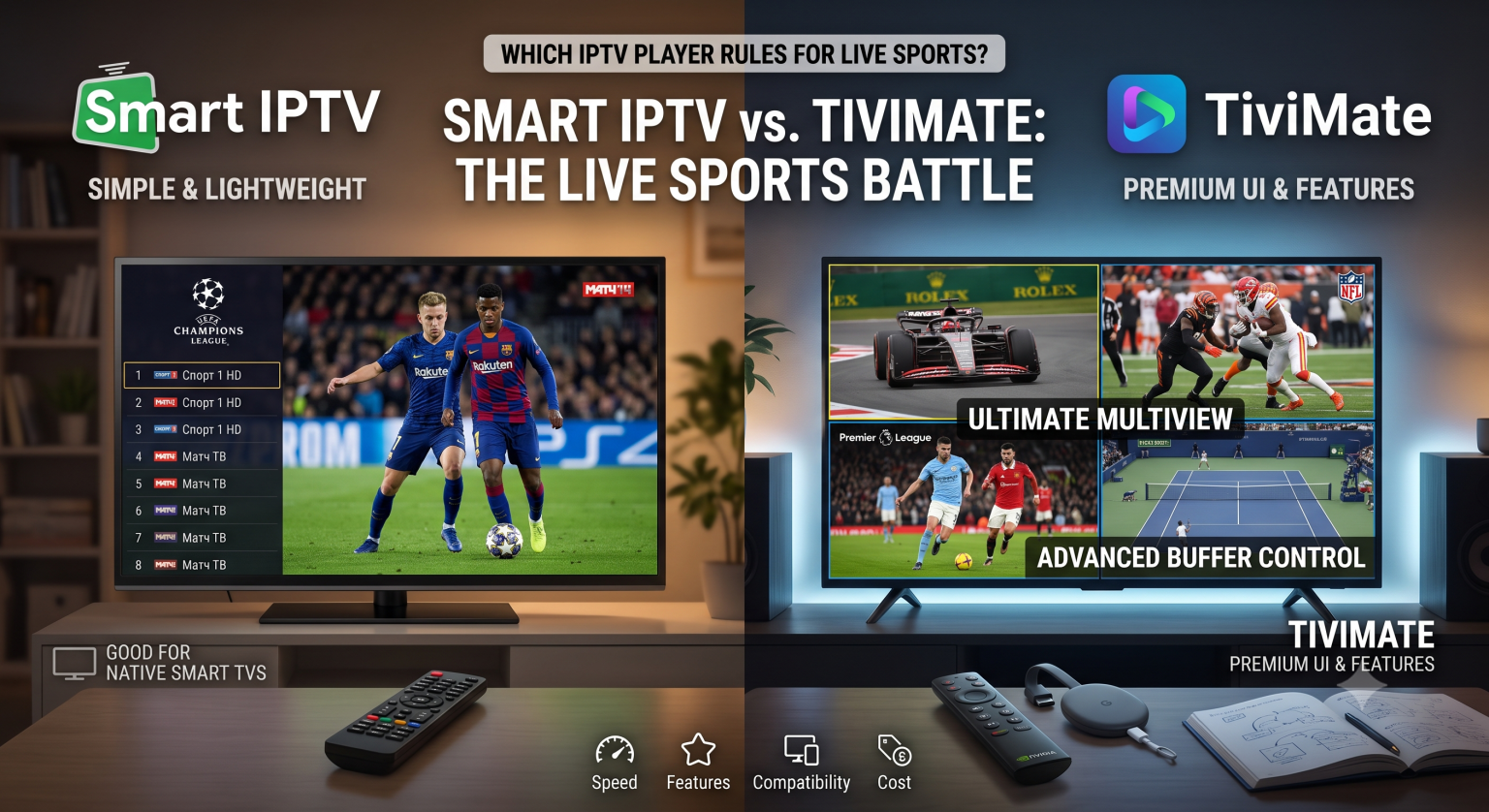
The Contenders at a Glance
Before we get into the nitty-gritty of sports streaming, let’s look at what we are dealing with.
Smart IPTV (SIPTV): This is the old reliable. It’s been around for years and is famous for being incredibly lightweight. If you have an older LG or Samsung Smart TV running WebOS or Tizen, SIPTV is often the go-to because it doesn’t require an external Android box. You upload your playlist via their website using your TV’s MAC address, and you’re good to go.
TiviMate: Considered by many as the gold standard of modern IPTV players. Built specifically for Android TV devices (like the Nvidia Shield, Chromecast with Google TV, and Amazon Firestick), TiviMate is designed to make your IPTV feed look and feel exactly like a premium, high-end cable box.
1. Multiview: The Ultimate Sports Fan Feature
If you are a die-hard sports fan, there are days when you simply cannot settle for watching one game at a time. Think NFL RedZone, or the final day of the Premier League season when all matches play simultaneously.
This is where the comparison becomes a one-sided fight.
TiviMate absolutely dominates here. The premium version of TiviMate has a flawless “Multiview” feature that allows you to watch up to 9 screens at once (assuming your IPTV sağlayıcısı allows multiple connections). The interface lets you effortlessly snap different channels to different corners of the screen and toggle which audio feed you want to listen to with your remote.
Akıllı IPTV, on the other hand, does not support multiview. You are locked into a traditional one-screen-at-a-time experience. If you want to check the score of another game, you have to exit the stream, open the channel list, and load the new channel.
Winner: TiviMate.
2. Speed, Zapping, and Buffering
When you are rapidly switching channels to catch the final minutes of different games (known as “channel zapping”), the software needs to be snappy.
Smart IPTV is incredibly lightweight. Because it lacks a heavy, graphic-intense user interface, it zaps between channels very quickly, even on older, underpowered TVs. However, its buffer management is pretty basic. If your stream drops a few packets, SIPTV is more prone to stuttering.
TiviMate gives you granular control over your buffer size. If you are watching a 60fps 4K sports stream and your internet is experiencing a slight hiccup, you can dive into TiviMate’s playback settings and increase the buffer size. This delays the live feed by a few extra seconds, but it significantly smooths out the playback, virtually eliminating micro-stutters during high-motion sports broadcasts. Furthermore, TiviMate utilizes the ExoPlayer engine, which is exceptionally good at decoding heavy video files without crashing.
Winner: TiviMate (due to customizable buffer settings).
3. EPG (Electronic Program Guide) Handling
There is nothing more frustrating than scrolling through a massive 10,000-channel M3U çalma listesi trying to find the specific localized channel showing your team.
Smart IPTV handles EPGs adequately, but the interface is distinctly “retro.” It looks like a basic spreadsheet. It gets the job done, but it can struggle to load massive, heavy EPG XML files, sometimes leaving you with blank schedule blocks.
TiviMate was built around its EPG. The TV guide is visually stunning, fast, and intuitive. More importantly for sports, TiviMate allows you to integrate multiple EPG sources, map missing channels, and create dedicated custom “Favorites” folders. You can easily build a custom group called “Weekend Sports” and pull in channels from three different M3U playlists into one clean, unified menu. When it’s game time, you aren’t hunting for channels; they are all waiting for you.
Winner: TiviMate.
4. Cihaz Uyumluluğu
This is the one area where Smart IPTV still holds a major advantage.
TiviMate is an Android-exclusive app. If you want to use it, you must have an Android TV box, a Firestick, or an Android tablet. It is not available natively on LG, Samsung, Roku, or Apple devices.
Smart IPTV is basically universal. It runs directly on the native operating systems of most major Smart TVs. If you want a minimalist setup with zero external boxes or dongles hanging off the back of your television, Smart IPTV is incredibly convenient.
Winner: Smart IPTV.
The Final Verdict: Which Player Should You Use?
If your goal is to watch canlı spor, the choice is actually incredibly clear.
Bir yandan Akıllı IPTV is a decent, no-frills option if you absolutely refuse to buy an external streaming device, it simply lacks the horsepower and features required for modern sports consumption.
TiviMate is the undisputed champion for live sports. The ability to customize your buffer size to prevent mid-game freezing, the lightning-fast EPG to find games quickly, and the absolute game-changer that is the Multiview feature make it worth every penny of its premium upgrade.
If you are serious about your sports streams, do yourself a favor: grab a 4K Firestick or an Android TV box, load up TiviMate, and never look back.